
Software & App Development · Feb 03, 2026
Beyond the Bundle: Building a Manual Laravel 12 Stack on Ubuntu
While "all-in-one" solutions like XAMPP or WAMP are excellent for beginners, professional PHP development often demands the control and performance of a manual stack. By building your own environment on Ubuntu, you mirror production servers, eliminate unnecessary overhead, and gain a deeper understanding of how your application interacts with the OS.
With Laravel 12 on the horizon, ensuring your environment is optimized for PHP 8.3+ and modern database drivers is essential. Here is how to construct a robust, manual development stack tailored for the next generation of Laravel.
1. The Foundation: PHP 8.3 and Apache
Laravel 12 leverages the latest features of PHP. While Ubuntu’s default repositories are stable, using the Ondřej Surý PPA ensures you have access to the latest PHP versions and extensions.
Installation Steps
First, add the repository and update your system:
Bash
sudo add-apt-repository ppa:ondrej/php -y
sudo apt update
Next, install Apache and PHP with the specific extensions Laravel 12 requires for routing, encryption, and image handling:
Bash
sudo apt install apache2 php8.3 libapache2-mod-php8.3 php8.3-mysql php8.3-curl php8.3-mbstring php8.3-xml php8.3-zip php8.3-bcmath php8.3-intl php8.3-sqlite3 git unzip -y
2. Data Management: MariaDB & DBeaver
For the database layer, MariaDB is a high-performance, open-source drop-in replacement for MySQL. To manage your data visually (replacing the old-school phpMyAdmin), we use DBeaver, a powerful universal SQL client.
Setting up the Database
- Install MariaDB:
sudo apt install mariadb-server -y - Secure it: Run
sudo mysql_secure_installationto set your root password. - GUI Client: Install DBeaver via Snap for a seamless, modern interface.Bash
sudo snap install dbeaver-ce
3. The Laravel Tooling: Composer & Git
Laravel development is impossible without Composer, the PHP dependency manager.
Global Installation
Download and move the binary to your path so you can run composer from any directory:
Bash
php -r "copy('https://getcomposer.org/installer', 'composer-setup.php');"
sudo php composer-setup.php --install-dir=/usr/local/bin --filename=composer
The Laravel Installer
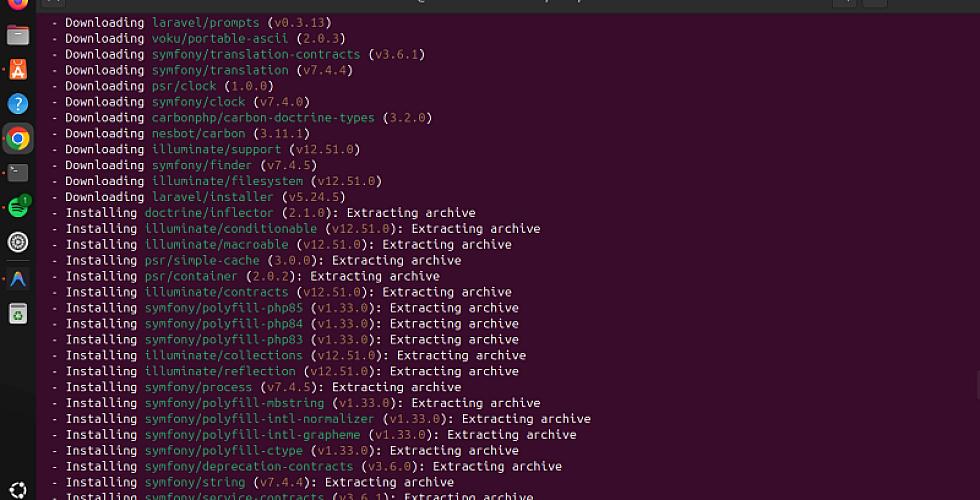
To speed up your workflow, install the global Laravel installer. This allows you to bootstrap a Laravel 12 project with a single command:
Bash
composer global require laravel/installer
Note: Ensure your ~/.bashrc includes the composer vendor path to use the laravel command.
4. Modernizing the Workflow: Virtual Hosts
In XAMPP, you often access projects via localhost/my-project. In a professional manual setup, we use Virtual Hosts to create clean, local domains like http://laravel.test.
Configuration Table
| Setting | Recommended Value |
| Document Root | /var/www/your-project/public |
| Directory Permissions | 775 (for storage/cache) |
| Server Name | project.test |
| Apache Module | mod_rewrite (Enabled) |
By enabling mod_rewrite (sudo a2enmod rewrite), you allow Laravel to handle "Pretty URLs," which is vital for the framework’s routing system.
5. Security and Permissions
One of the biggest hurdles for developers moving from Windows to Ubuntu is Linux permissions. Apache runs as the www-data user. To avoid "Permission Denied" errors while remaining secure, you should own the files but let Apache access the specific folders it needs to write to:
Bash
# Set ownership to your user
sudo chown -R $USER:www-data /var/www/your-project

# Grant write access to storage and cache
chmod -R 775 /var/www/your-project/storage /var/www/your-project/bootstrap/cache
Conclusion
Manually configuring your stack for Laravel 12 might take 15 minutes longer than an installer, but the benefits speed, security, and environment parity are invaluable. You now have a machine that isn't just a "dev box," but a professional workstation ready for the latest in PHP web development.
Here is a comprehensive bash script that automates the entire process. This script is designed for Ubuntu 24.04/22.04 and is pre-configured for the requirements of Laravel 12.
The "Auto-Stack" Automation Script
I've included safety checks to ensure it doesn't overwrite existing configurations and handles the PPA setup automatically.
Bash
#!/bin/bash

# --- Color Codes ---
GREEN='\033[0;32m'
BLUE='\033[0;34m'
NC='\033[0m'

echo -e "${BLUE}Starting Laravel 12 Stack Setup for Ubuntu...${NC}"

# 1. Update & Add PPA
echo -e "${GREEN}Adding PHP PPA...${NC}"
sudo apt update
sudo apt install -y software-properties-common
sudo add-apt-repository ppa:ondrej/php -y
sudo apt update

# 2. Install Apache, PHP 8.3, and Git
echo -e "${GREEN}Installing Apache and PHP 8.3 with Extensions...${NC}"
sudo apt install -y apache2 php8.3 libapache2-mod-php8.3 php8.3-mysql php8.3-curl \
php8.3-mbstring php8.3-xml php8.3-zip php8.3-bcmath php8.3-intl php8.3-sqlite3 \
git unzip curl

# 3. Install MariaDB
echo -e "${GREEN}Installing MariaDB Server...${NC}"
sudo apt install -y mariadb-server
# Note: mysql_secure_installation is interactive and should be run manually after this script.

# 4. Install Composer Globally
echo -e "${GREEN}Installing Composer...${NC}"
curl -sS https://getcomposer.org/installer -o composer-setup.php
sudo php composer-setup.php --install-dir=/usr/local/bin --filename=composer
rm composer-setup.php

# 5. Install Laravel Installer & Update PATH
echo -e "${GREEN}Installing Laravel Installer...${NC}"
composer global require laravel/installer
if ! grep -q 'composer/vendor/bin' ~/.bashrc; then
    echo 'export PATH="$PATH:$HOME/.config/composer/vendor/bin"' >> ~/.bashrc
fi

# 6. Enable Apache Rewrite Module
echo -e "${GREEN}Configuring Apache...${NC}"
sudo a2enmod rewrite
sudo systemctl restart apache2

# 7. SQL Client (DBeaver)
echo -e "${GREEN}Installing DBeaver SQL Client...${NC}"
sudo snap install dbeaver-ce

echo -e "${BLUE}--------------------------------------------------${NC}"
echo -e "${GREEN}SUCCESS! Your stack is ready.${NC}"
echo -e "1. Run 'source ~/.bashrc' to use the 'laravel' command."
echo -e "2. Run 'sudo mysql_secure_installation' to set your DB password."
echo -e "3. Your web root is /var/www/html"
echo -e "${BLUE}--------------------------------------------------${NC}"
How to use this script:
- Create the file:
nano setup_stack.sh - Paste the code above into the editor.
- Make it executable:
chmod +x setup_stack.sh - Run it:
./setup_stack.sh
Why this script is better for Laravel 12:
- Extension Specificity: It includes
php-sqlite3andphp-bcmath, which are often overlooked but required for Laravel's testing suite and precise math operations. - Path Persistence: It automatically checks if the Laravel installer is in your
.bashrcso you don't have to manually edit system files. - Clean-up: it removes the temporary
composer-setup.phpfile after installation to keep your directory clean.